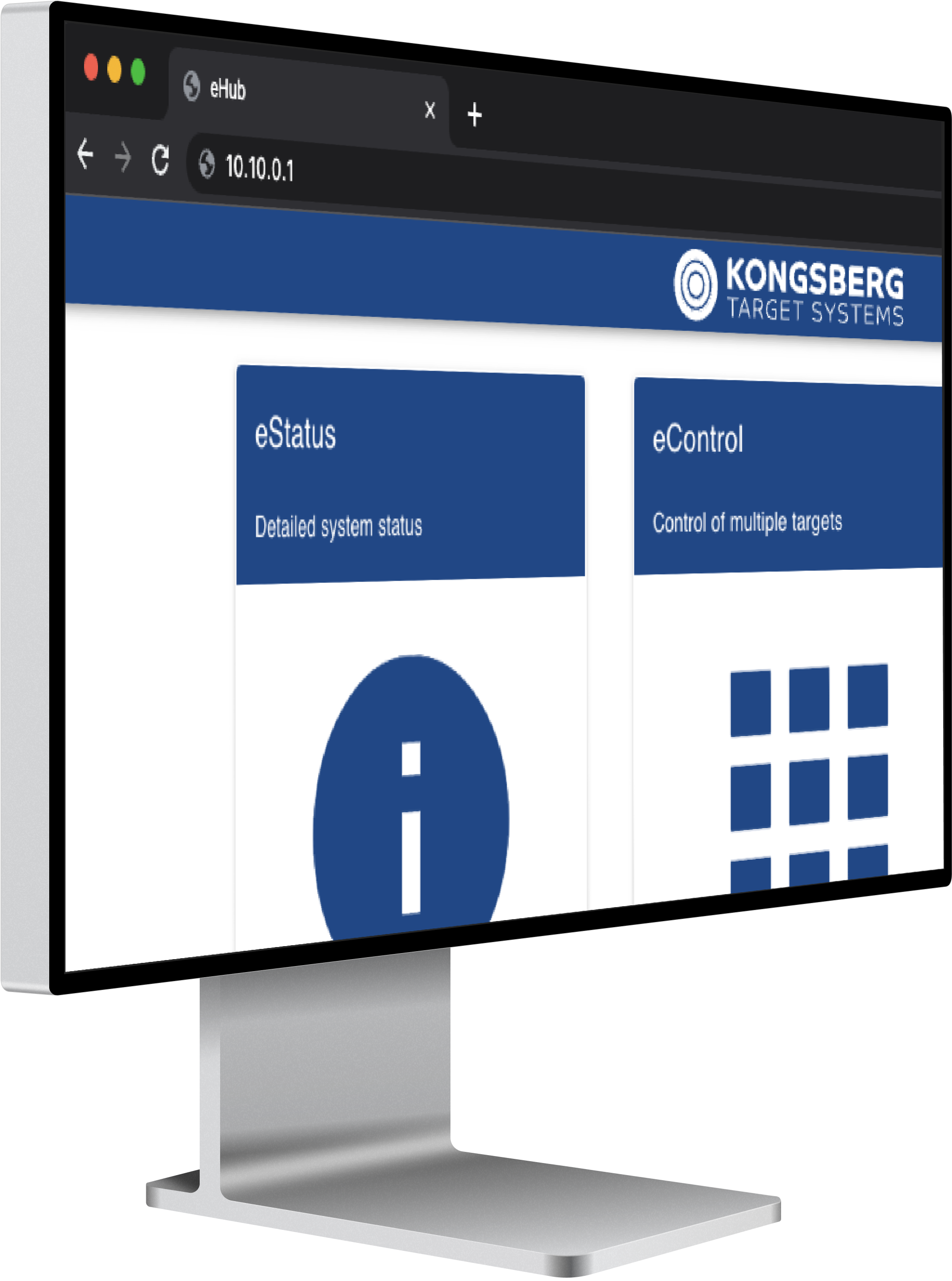
eScoreNet is the installation’s internal network, connecting the eScore equipment.
eScoreNet can be accessed through Ethernet or Wi-Fi.
Wired connection
Connect an Ethernet cable to a free switch port in the power cabinet containing eHub. The device automatically receives an IP address from eScoreNet.
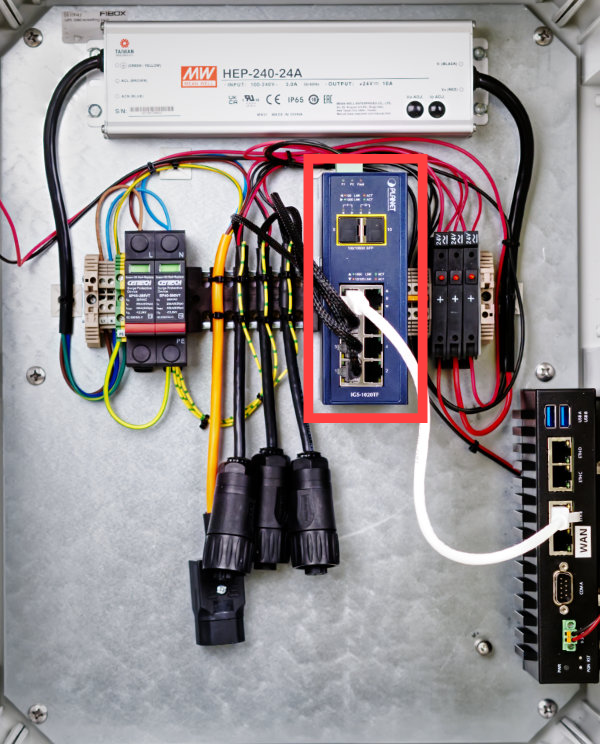 The switch is in the power cabinet with eHub (marked by the red frame).
Wireless connection (Wi-Fi)
Connect to the wireless network on the firing line. The network name (SSID) is KTS_FL_XX, where XX is the system number, for example KTS_FL_01. The device automatically receives an IP address from eScoreNet.
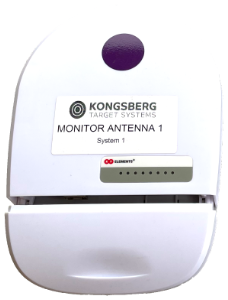 The network name and password are on the label on the monitor antenna.
Enter 10.10.0.1 in the browser’s address bar to open the eHub interface.