Delete
Accessing eHub via the club network
Both the PC or tablet and eHub must be connected to the club network
Enter the IP address of eHub in the browser’s address bar:
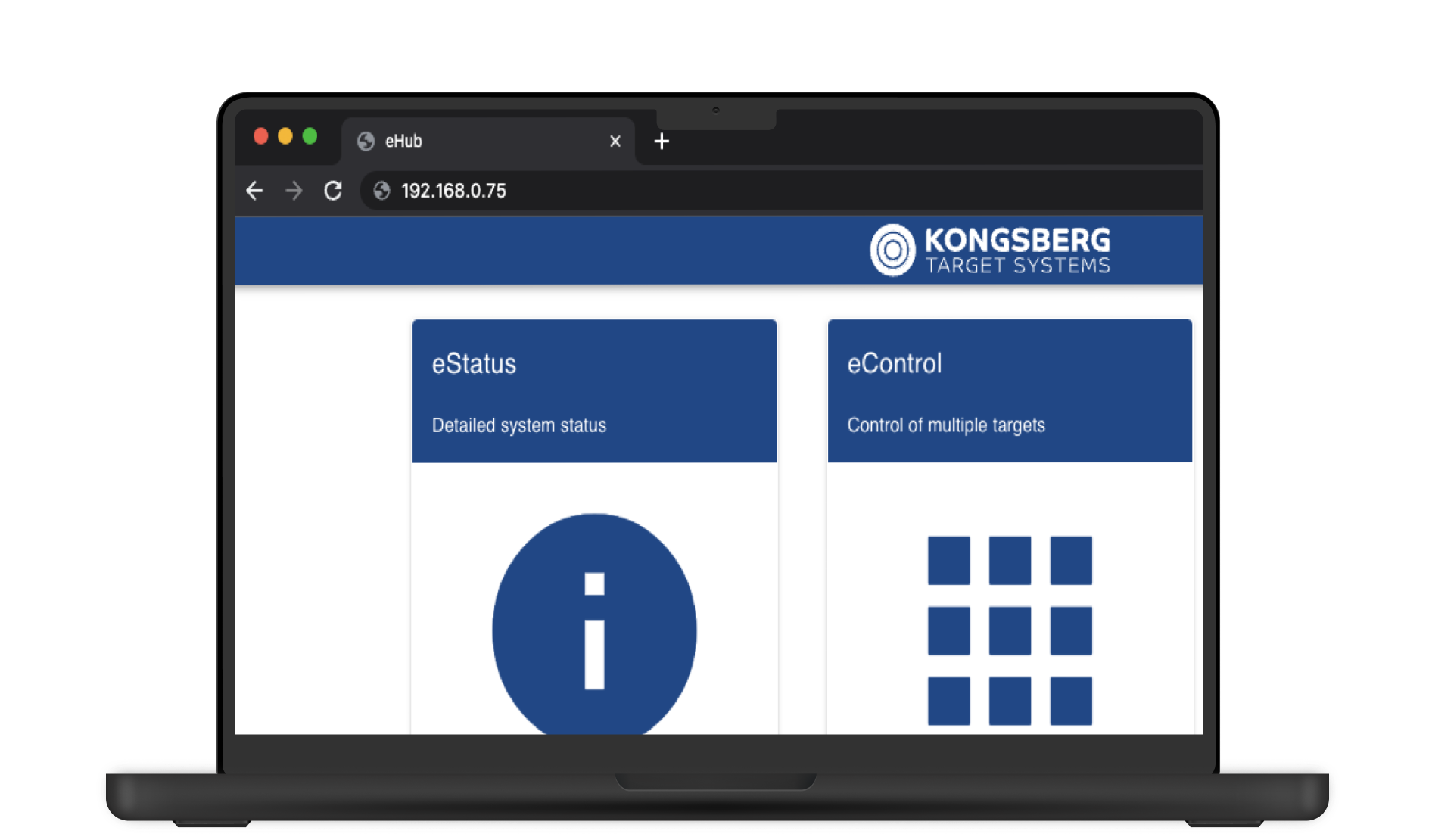 The local IP address is assigned by the router on the club network and varies between ranges.
Delete
Reserve the eHub IP address
IP addresses automatically assigned by the router (DHCP) can change, for example after a restart. We recommend reserving the eHub IP address in the router. Ask the range’s IT administrator for assistance.
