
Find the username and password in the email from W5.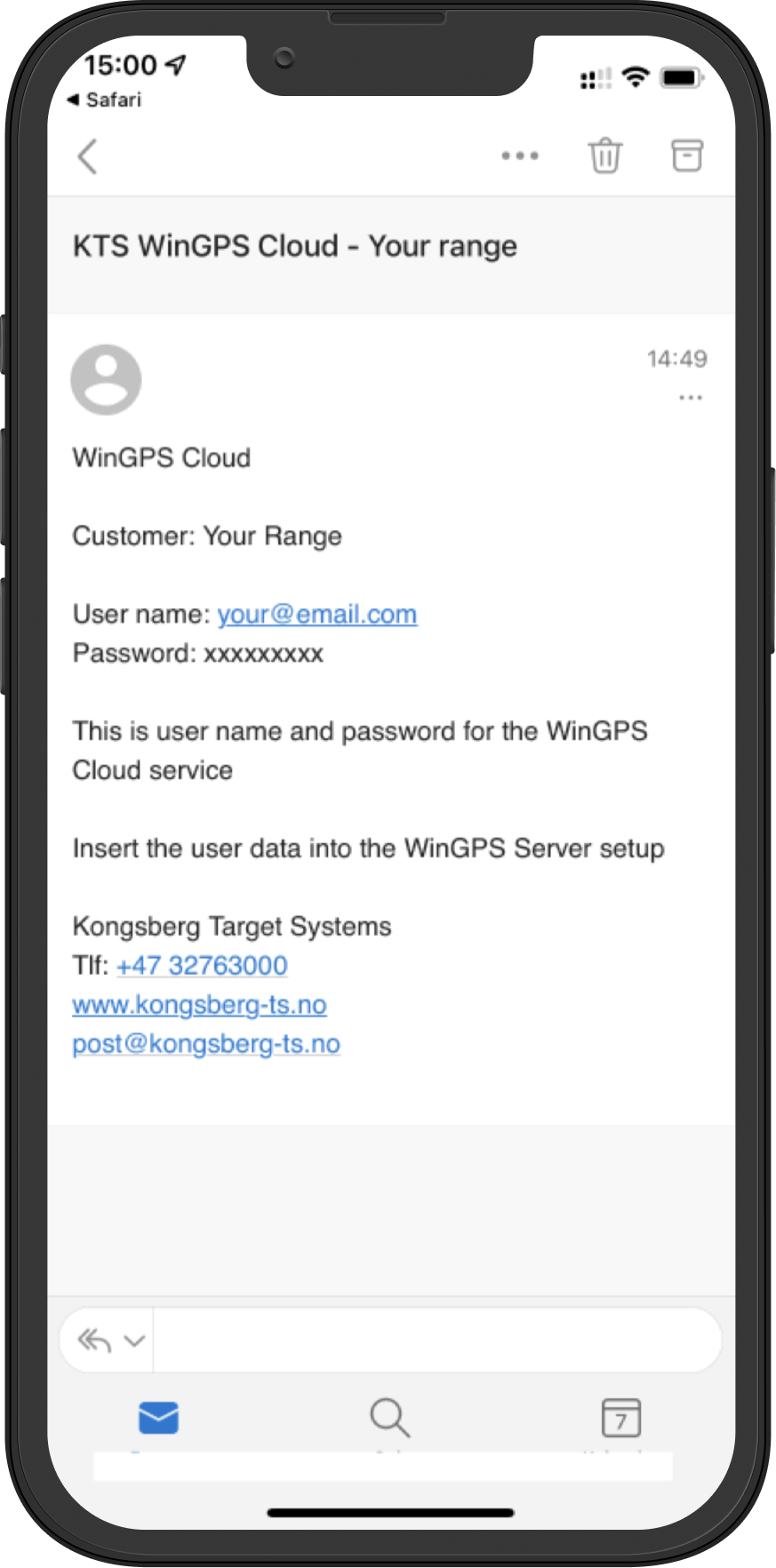
Open Settings on eHub, then open Cloud.

Username and password
Turn on Active under WinGPS Cloud to enable the fields. Enter the username and password supplied by W5. The installation will then be available for online spectator viewing.

Location
Specify a location ID if the ranges are at different physical sites. Use location ID 1 if you have only one site.
Range
A range consists of a firing line and its corresponding target line. For example, a 100 yd range and a 600 yd range can be registered separately.
Example
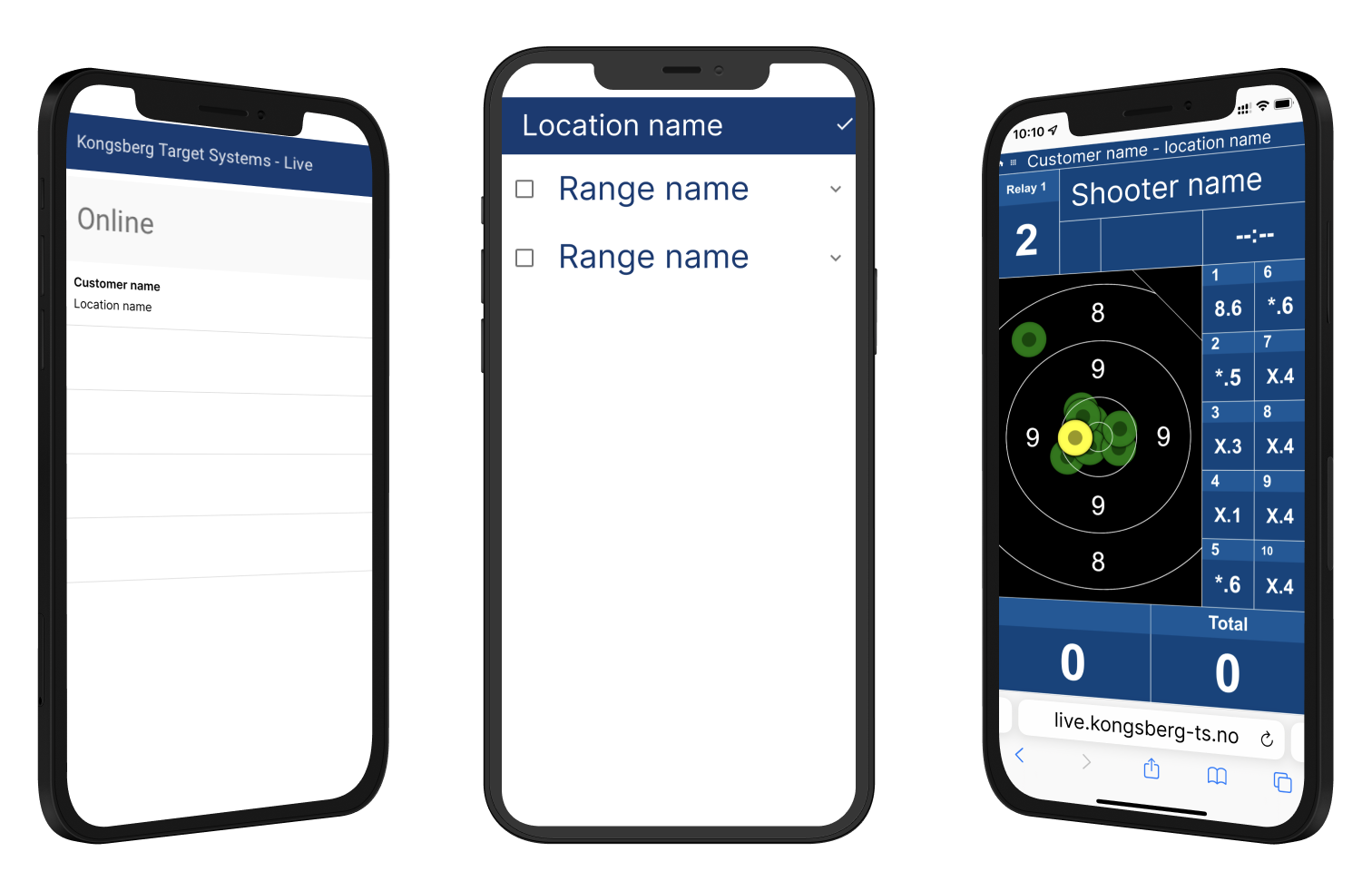 Example of how the customer, location and range names appear in WinGPS Cloud.